

Your phone knows you better than your therapist and charges you nothing for the privilege. The average person unlocks their screen over 100 times a day, which means somewhere between “checking the weather” and “rewatching a raccoon video for the ninth time,” a few hours of your one wild and precious life just evaporated. Here are 10 real ways to get some of it back — four are gadgets you can buy, six are completely free, and all of them beat “just have more willpower,” which, if that worked, you wouldn’t be reading a list about it.
#10 — Turn On Grayscale Mode

Every app icon on your home screen was engineered by a team of very smart, very well-paid people whose entire job is making that little red badge impossible to ignore. Turn your screen to grayscale and you accidentally fire all of them at once. Instagram without color is just a gray rectangle of other people’s vacations — remarkably easy to put down.
Verdict: The single most effective screen-time hack that costs zero dollars and takes eleven seconds to turn on (Settings → Accessibility → Display & Text Size → Color Filters on iPhone; Settings → Accessibility → Color Correction on Android).
- Removes the dopamine hit baked into app color design
- Best for: anyone who’s tried three paid apps already and none of them stuck
- You can toggle it off instantly for photos, so you’re not stuck living in 1962
#9 — Delete the App, Keep the Browser Tab

You don’t need to quit social media. You need to make it annoying enough that you stop doing it by accident. Delete the app itself and only ever visit through your phone’s browser — no push notifications, no biometric auto-login, no infinite-scroll optimized-for-your-thumb interface. Just a slightly clunky mobile website that logs you out every few days out of spite.
Verdict: Adds enough friction that “let me just check real quick” turns into “actually, never mind” about half the time — which is half the time you didn’t have before.
- Free, reversible, takes 30 seconds per app
- Best for: people who’ve tried to “just be more disciplined” and know that doesn’t work
- You keep access for the rare times you actually need it
#8 — Banish Distracting Apps to Page Three
Your home screen is prime real estate, and right now the worst tenants — the apps designed to eat your afternoon — are sitting front and center with the best view. Move them to the very last screen, no folder even needed on the first page, so that opening your phone requires several deliberate swipes before temptation is even visible.
Verdict: Out of sight really is out of mind — the extra three seconds of swiping is often exactly enough time for your brain to ask “wait, why am I doing this.”
- Costs nothing, takes two minutes to set up
- Best for: front-loading your home screen with things you actually want to use (maps, camera, calendar)
- Works even better paired with grayscale mode above
#7 — La Crosse Technology Alarm Clock
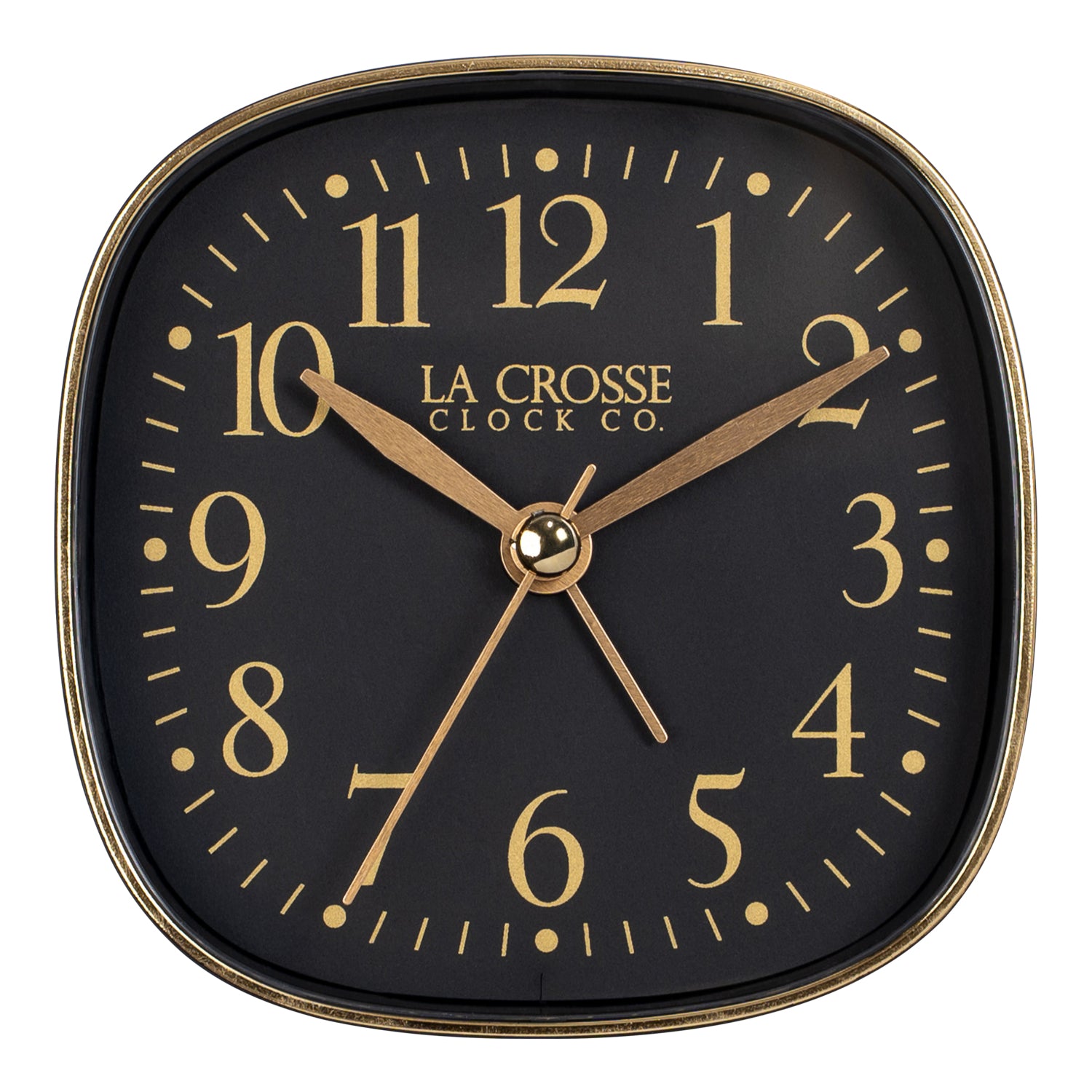
The reason your phone is the first and last thing you touch every day is almost certainly because it’s also your alarm clock. Swap in an actual, dedicated alarm clock and suddenly there’s no reason for your phone to be within arm’s reach of your bed at all — which means no “just checking the time” spiraling into forty-five minutes of scrolling at 2am. It won’t sync your calendar or tell you the weather, and that’s the entire point.
Verdict: The unglamorous MVP of this whole list — one purchase quietly fixes both your bedtime scrolling and your morning doomscroll before you’re even out of bed.
- Large, easy-to-read display with adjustable brightness for nighttime
- Best for: anyone whose phone currently lives on their nightstand
- Gives you zero excuse to bring your phone into the bedroom
Check current price on Amazon →
#6 — Turn Off Notification Badges
That little red circle with a number in it is not a neutral piece of information — it’s a tiny, expertly-designed alarm bell specifically built to make your brain itch until you check it. Go into Settings and turn off badges (not notifications entirely, just the badges) for every app that isn’t actually urgent. Texts and calls, sure. A gaming app’s “3” badge because someone you’ve never met sent you a friend request? No.
Verdict: You’ll still get notifications when they matter — you’ll just stop getting silently guilt-tripped by your own home screen every time you glance at it.
- Free, takes about five minutes to go through your apps
- Best for: people who check their phone “just to clear the badges”
- Cuts down on phantom-vibration-style anxiety even when the phone’s untouched
#5 — Pebble Digital Pomodoro Timer
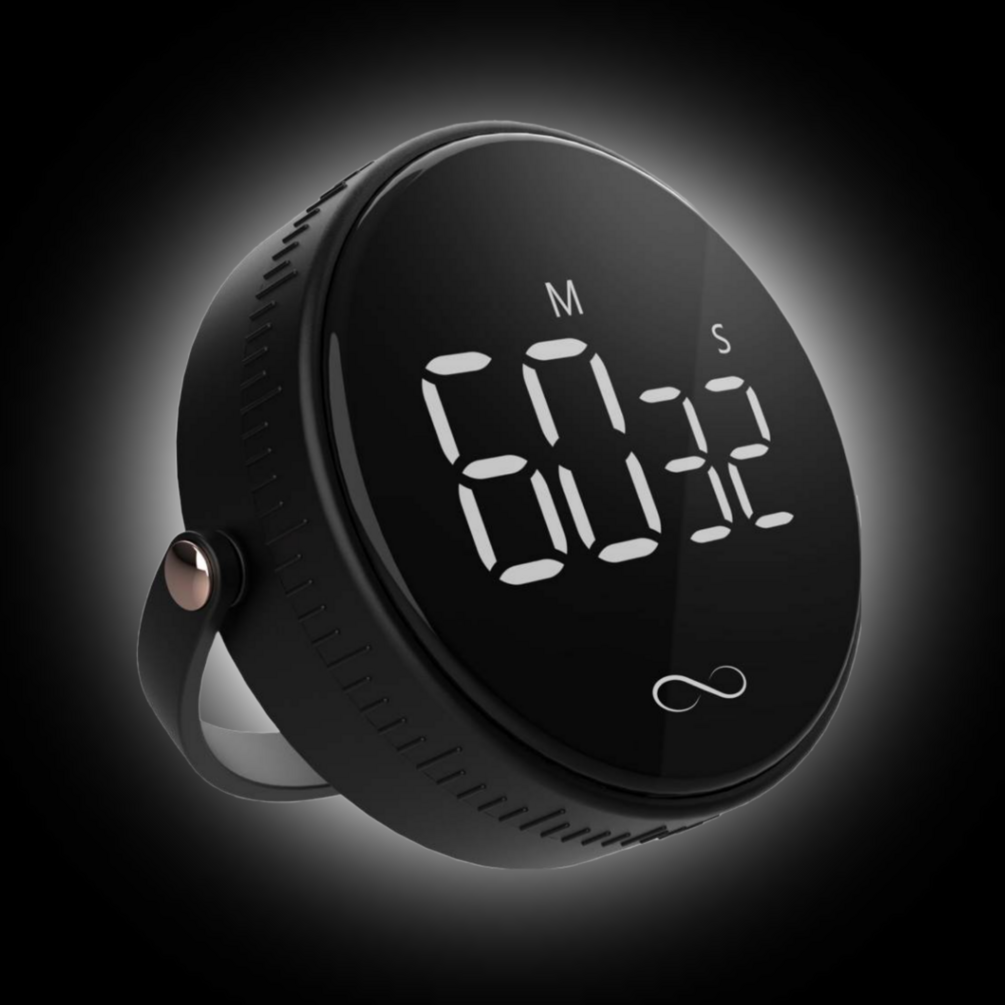
The Pomodoro method — 25 minutes of focus, 5 minutes off, repeat — genuinely works, but only if the timer isn’t the same device that also has Instagram on it. A dedicated timer means the thing counting down your focus block can’t also be the thing that interrupts it. Set it, put your phone in another room, and go.
Verdict: A stupidly simple device that fixes a problem every phone-based timer app quietly creates — the timer app is on the same screen as every other temptation you’re trying to avoid.
- Large display readable from across the room
- Best for: work-from-home days when “I’ll just check one notification” turns into an hour
- No app, no login, no phone required to use it at all
Check current price on Amazon →
#4 — Set Real App Time Limits
Both iPhone (Screen Time) and Android (Digital Wellbeing) have had built-in app timers for years, and most people have never touched them because setting a limit feels like admitting defeat. It’s not — it’s the same trick as portioning out a bag of chips instead of eating from the bag. Set a genuinely honest limit (not the fake “2 hours” you’ll immediately override), and let your phone be the bad cop.
Verdict: Free, already sitting on your phone, and the one hack on this list you have zero excuse not to have already set up.
- Takes about two minutes per app to configure
- Best for: apps you don’t want to delete, just want to stop bingeing
- The “Ask For More Time” override button is there for real emergencies — try not to use it as a loophole
#3 — Log Out After Every Use
Auto-login is the reason opening an app takes zero seconds and zero thought. Manually log out of your worst offender apps every single time you close them, so getting back in requires typing a password (or worse, resetting one you forgot). It sounds tedious because it is — that’s the whole mechanism. Friction is the feature.
Verdict: Genuinely annoying to do, which is exactly why it works better than almost anything else on this list for the apps you can’t bring yourself to delete.
- Zero cost, immediate effect
- Best for: the one specific app you know is the real problem
- Pairs well with turning off “remember me” and saved passwords for that app specifically
#2 — TESLYAR Wood Phone Docking Station

A charging dock sounds like a small thing until you realize it’s a designated parking spot that isn’t your hand, your pocket, or the couch cushion next to you. Plug your phone in at the door, on the kitchen counter, wherever you actually spend evening time, and suddenly picking it back up requires a conscious decision instead of a reflex.
Verdict: The most “normal person doesn’t realize this is a screen-time hack” item on the list — it just looks like a nice charging station, and it works precisely because it doesn’t announce what it’s for.
- Solid wood construction with slots for a watch and other small accessories
- Best for: breaking the habit of phone-in-hand the second you sit down
- Doubles as a genuinely nice-looking piece of furniture, not just a productivity gadget
Check current price on Amazon →
#1 — Brick
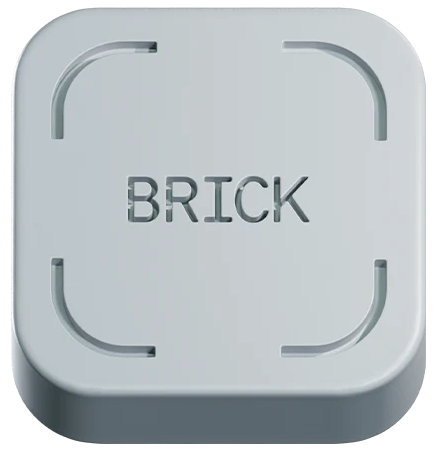
Every other item on this list relies on you making the right choice in the moment. Brick removes the moment entirely. It’s a small physical tap-to-lock device — tap your phone to it once and every app you’ve chosen to block is genuinely, physically inaccessible until you tap it again. No override button. No “just this once.” No willpower required, because willpower was never actually the bottleneck — a five-second workaround always was.
Verdict: The nuclear option, and also the only one on this list that makes every other hack unnecessary the second you use it — this is the entry for people who’ve tried everything else and correctly concluded that “easy to disable” was the whole problem.
- No subscription required to lock apps once set up
- Best for: the person who has genuinely tried every app-based blocker and defeated all of them
- Physical, tamper-resistant — you can’t just delete an app to get around it
Check current price on Amazon →
Bottom Line
You don’t need to buy all four gadgets on this list, and you definitely don’t need to do all ten things starting tomorrow. Start with the free ones — grayscale mode and turning off badges take about ninety seconds combined and will noticeably dent your screen time by themselves. If you’re the kind of person who needs a bigger intervention, the alarm clock alone will fix your worst habit (the 2am scroll) without you doing anything else differently. And if you’ve tried literally everything and your phone still wins every time, Brick is the one item on this list that doesn’t ask you to be stronger than a trillion-dollar industry built specifically to make sure you’re not.
Leave a Reply