
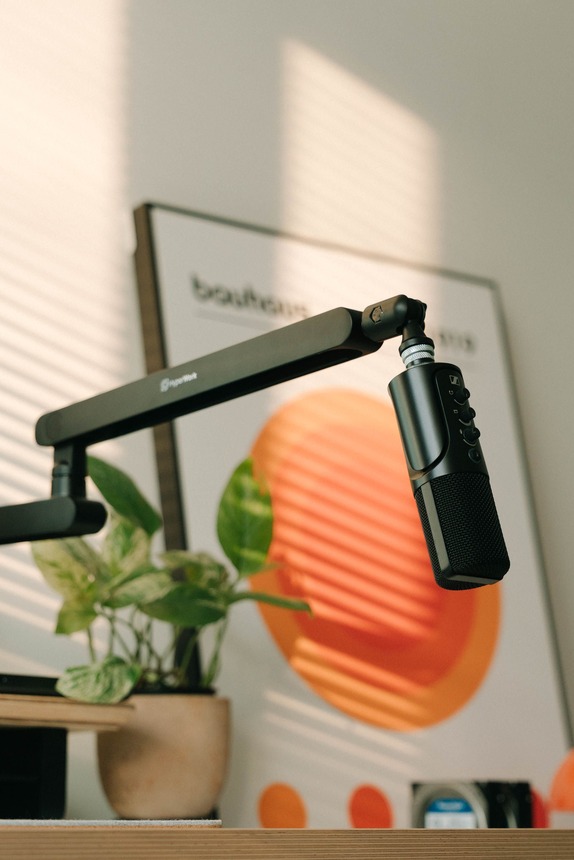
Somewhere between “I’ll just use my laptop camera” and watching someone else’s stream look like a Netflix production, there’s a line you cross. It usually starts with one cheap ring light and ends with a desk that has more buttons than a cockpit. Here are the 10 pieces that take a stream from “grainy hostage video” to the kind of setup people screenshot for their own desk-tour Pinterest board.
#10 — UBeesize 12″ Ring Light with Tripod Stand
Your webcam feed looks like it was shot in a parking garage. Overhead room lighting throws shadows under your eyes that make you look like you haven’t slept since 2019.
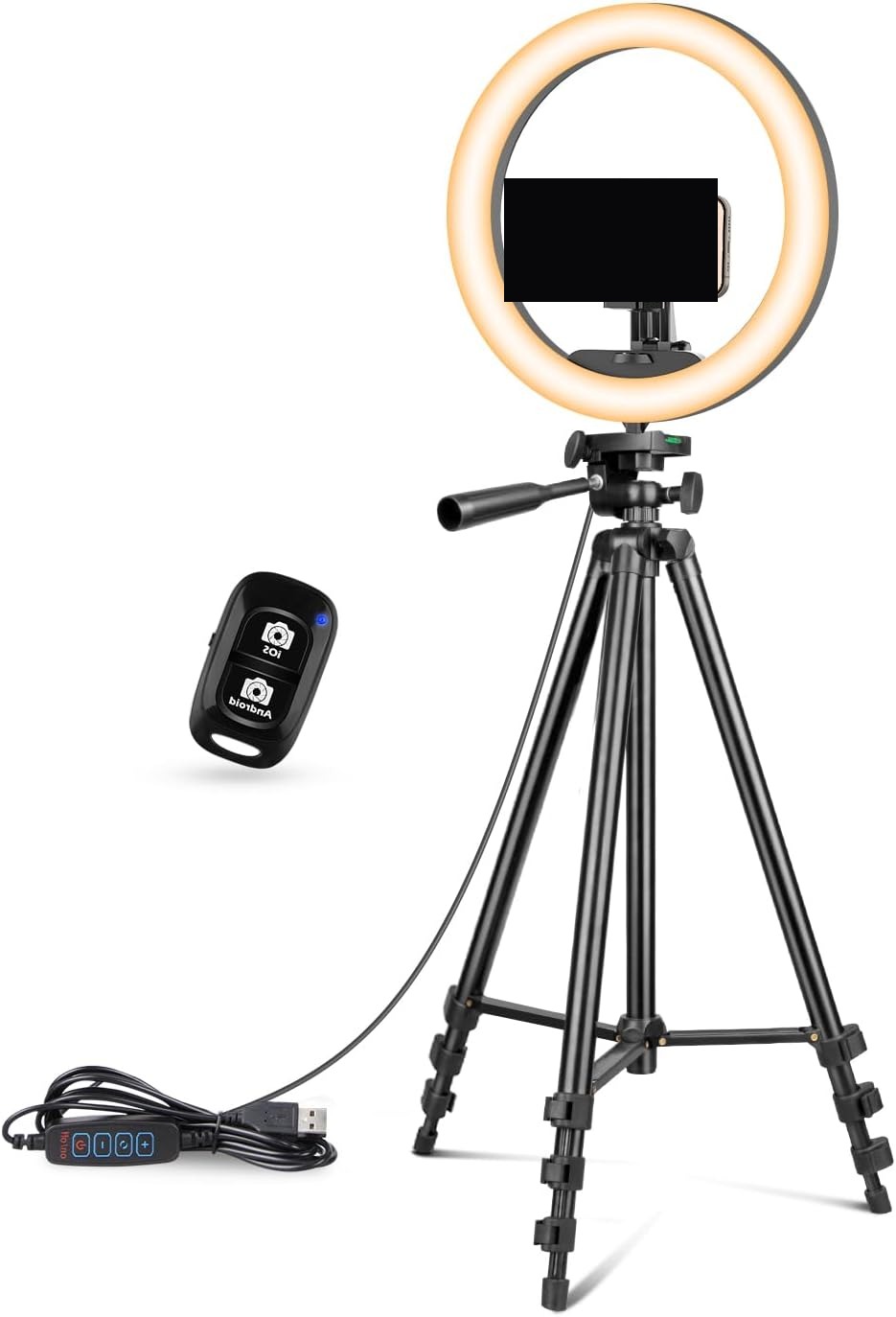
This 12-inch ring light comes with an extendable tripod, phone holder, and a wired remote so you can adjust brightness and color temperature without leaning out of frame. The included phone clamp is really built for a phone, not a full webcam rig, so treat this as the lighting fix, not the camera mount. Once it’s on, faces stop looking flat and start looking like they belong on camera.
Flip it on and suddenly your 9pm stream doesn’t look like it’s happening in a basement.
- Why it’s #10: The single cheapest fix for bad, flat, shadowy lighting
- Best for: Anyone streaming or recording from a dim room with no other light source
#9 — FUDESY Collapsible Green Screen Backdrop
Your background is a laundry pile, a half-eaten plate, and whatever your roommate left on the couch. Nobody needs to see that during a stream, but there it is, live, for everyone.
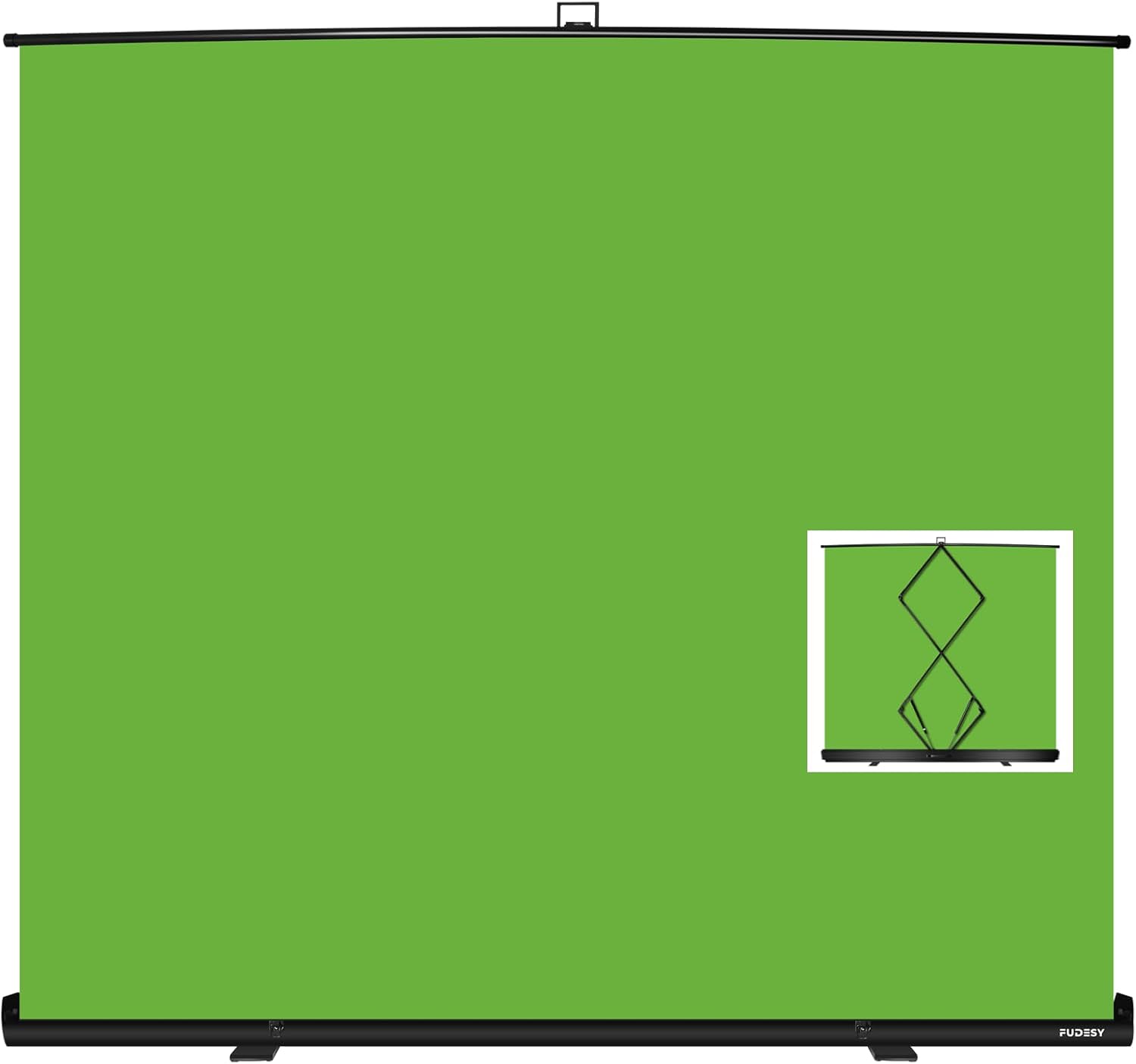
This pop-up green screen collapses to a disc you can store behind a door and pulls back open in seconds, giving chroma-key software a clean, wrinkle-resistant surface to key out. It genuinely needs even lighting to key cleanly — point a lamp or two directly at it, or you’ll get patchy edges in software. Once it’s set up, the background becomes whatever you want it to be instead of whatever’s actually behind you.
Pull it down once and you’ll never explain the laundry pile again.
- Why it’s #9: Instantly removes the biggest visual distraction in most home streaming setups
- Best for: Anyone streaming from a shared space or a room that isn’t camera-ready
#8 — NEEWER Microphone Boom Arm Stand
Your microphone sits on a little desk tripod, dead center in frame, blocking your face every time you lean forward to check chat. It’s also picking up every keyboard click at full volume.
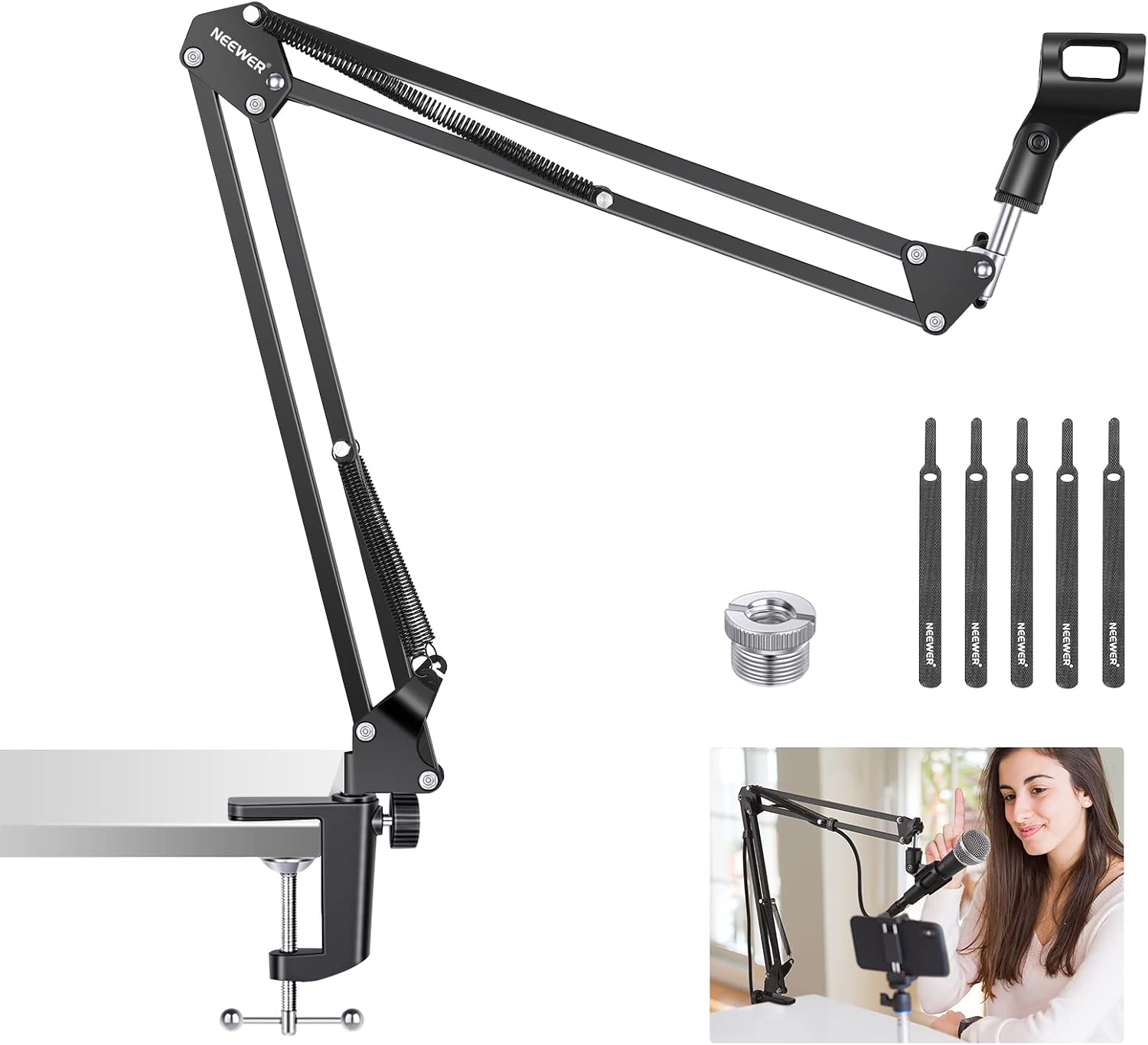
This spring-tensioned boom arm clamps to the desk edge and swings your mic up and out of the camera’s way, positioning it close to your mouth instead of bouncing sound off the desk. It takes a minute to tension the springs so the arm holds its position instead of drooping, but once it’s set, it stays. Suddenly your face is actually visible and your keyboard isn’t the loudest thing in the stream.
Swing it into place once and you’ll wonder why you ever let a desk mic block half your face.
- Why it’s #8: Gets the mic close to your mouth and out of the camera frame at the same time
- Best for: Anyone whose current mic stand is sitting directly in front of their face
#7 — Logitech HD Pro Webcam C920
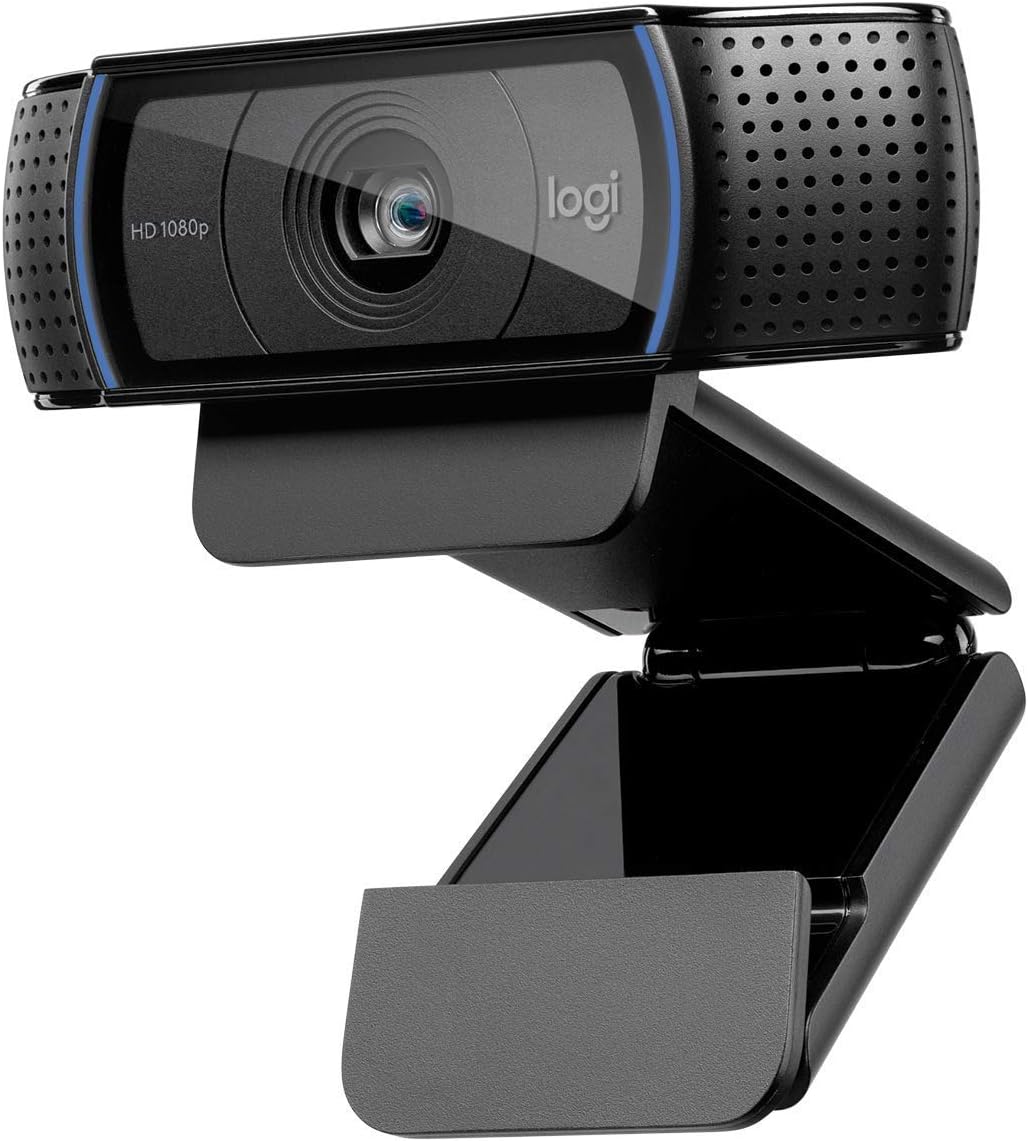
Your laptop’s built-in camera makes you look like you’re being interviewed from inside a submarine. Grainy, low, and somehow always pointed straight up your nose.
This clip-on webcam shoots real 1080p with autofocus and light correction that actually adjusts instead of just blowing out a window behind you. It clips onto a monitor rather than sitting at laptop-camera height, which alone fixes the up-the-nose angle. It’s not going to compete with a proper mirrorless camera, but for the price jump from “built-in laptop cam,” it’s a massive leap.
Clip it on and suddenly you look like a person, not a hostage negotiation.
- Why it’s #7: The most obvious visual upgrade over any laptop’s built-in camera
- Best for: Anyone still streaming or video-calling off a laptop’s stock webcam
#6 — Elgato Key Light Air
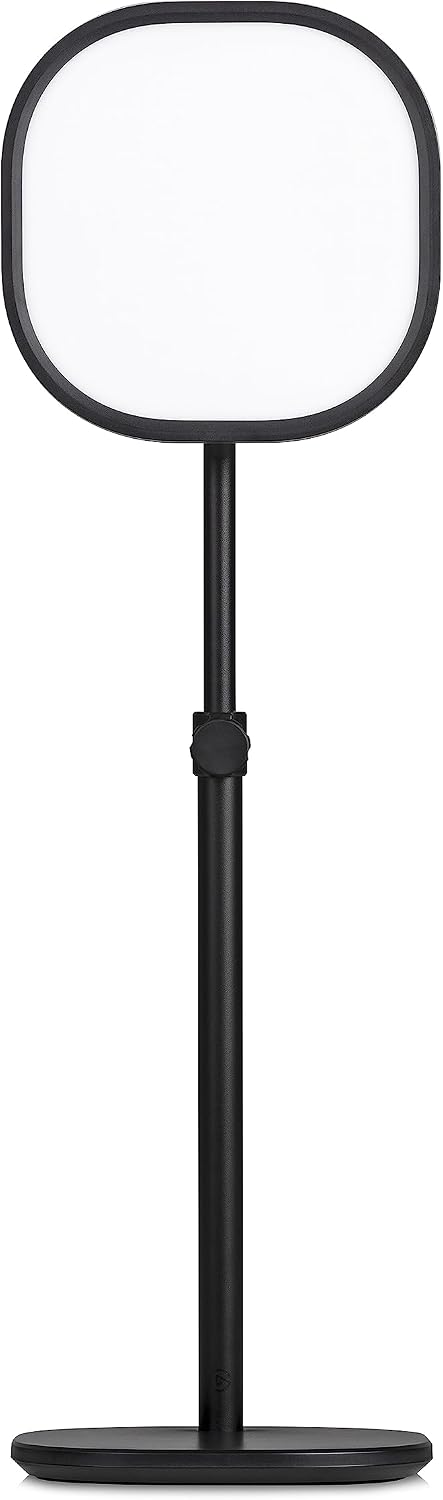
The ring light helped, but there’s still a weird shadow behind you and your skin tone shifts orange every time the sun goes down. One light source can only do so much.
This app-controlled LED panel adjusts brightness and color temperature from your phone or desktop, so you can dial in daylight-matched white balance without touching the light itself mid-stream. It needs a real stand or desk clamp to position properly, which is a separate purchase if you don’t already have one. Once it’s dialed in, your face reads consistent whether it’s noon or midnight outside.
Set the temperature once and never fight the sunset again.
- Why it’s #6: App-controlled color temperature means consistent lighting no matter the time of day
- Best for: Anyone streaming at inconsistent times who’s tired of their lighting shifting mid-session
#5 — Elgato Cam Link 4K
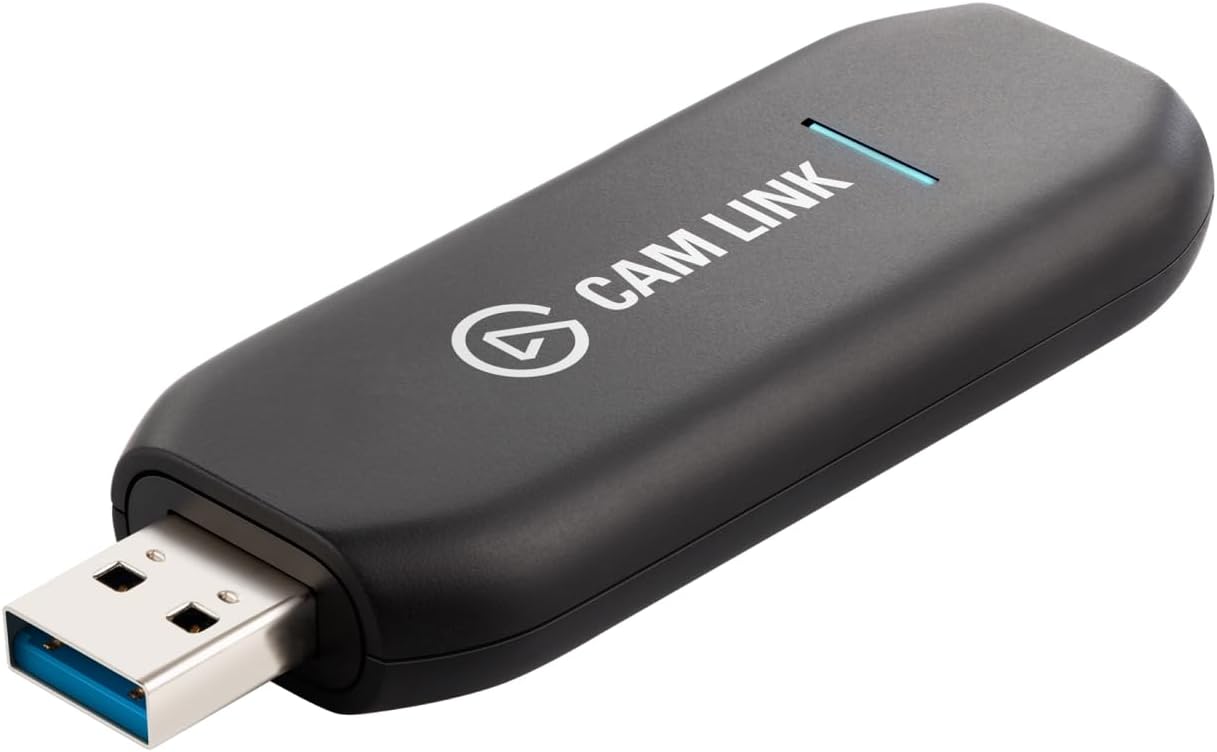
You own an actual camera — a real DSLR or mirrorless with a lens that makes your webcam look like a potato — and it’s sitting in a drawer because there’s no way to get its feed into your computer.
This capture card takes any HDMI output and turns it into a clean USB webcam source your streaming software can read, unlocking real camera image quality without a dedicated capture rig. It adds ultra-low latency so there’s no lip-sync drift, though your camera needs a “clean HDMI out” mode (most modern mirrorless bodies have one, but check first). Once it’s plugged in, that camera in the drawer becomes your actual webcam.
Plug it in once and your “webcam” quality jumps by an entire generation.
- Why it’s #5: The bridge between “camera you own” and “camera your stream actually uses”
- Best for: Anyone with a real camera sitting unused because there’s no way to connect it
#4 — FIFINE USB Microphone Set with Boom Arm
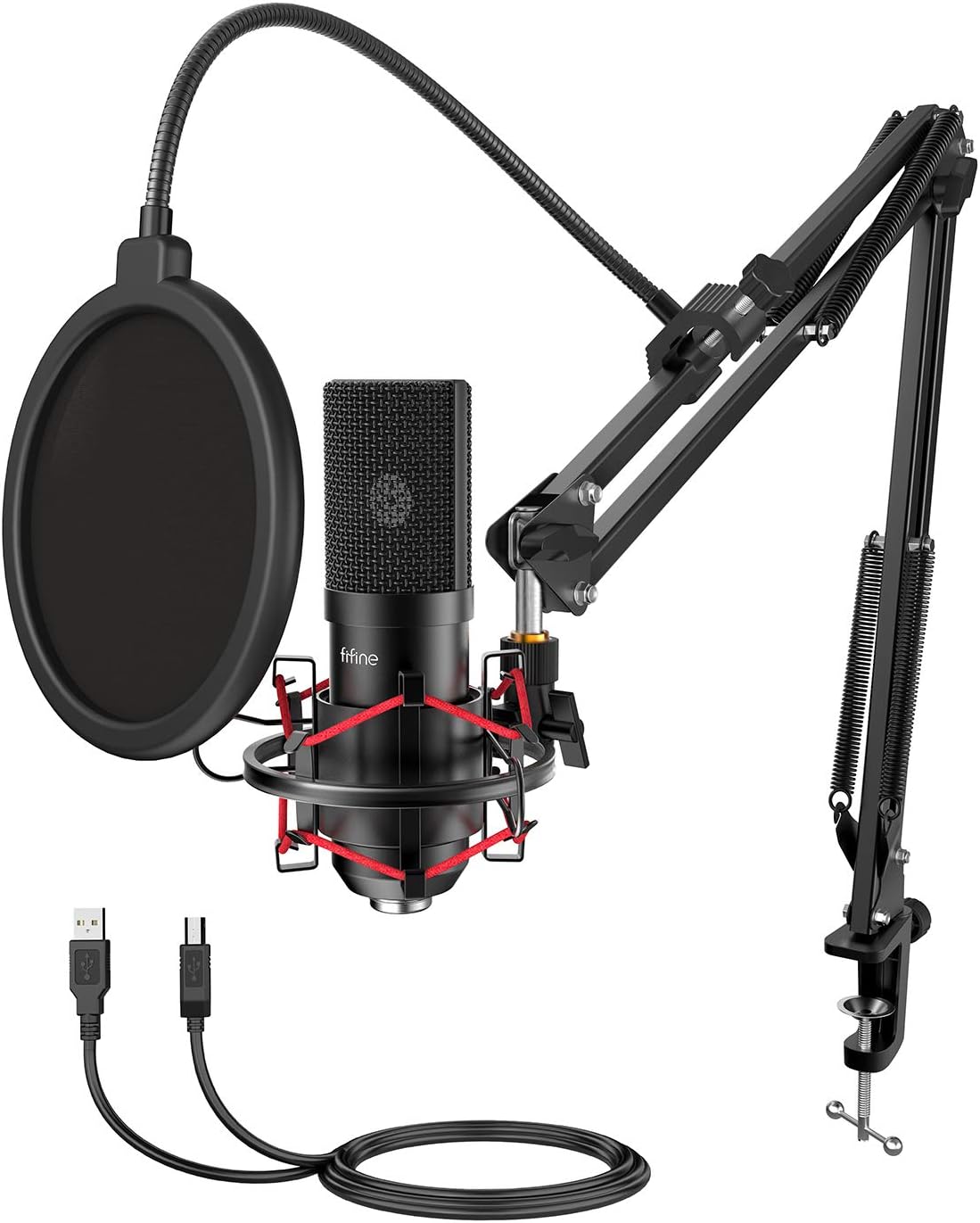
Your headset mic makes you sound like you’re talking through a tin can from across the room, and everyone in chat keeps asking you to repeat yourself.
This condenser mic kit comes with the boom arm, shock mount, and pop filter already included, so there’s no piecing together separate parts to get a real desktop mic setup. Condenser mics pick up more room noise than a headset, so a quiet room or a bit of software noise gating helps it sound its best. Once it’s dialed in, your voice actually sounds like it’s coming from a microphone instead of a phone call.
Plug it in and chat stops asking you to repeat yourself.
- Why it’s #4: A complete mic setup in one box, no separate parts to hunt down
- Best for: Anyone upgrading from a headset or laptop mic for the first time
#3 — Shure MV7 USB Podcast Microphone
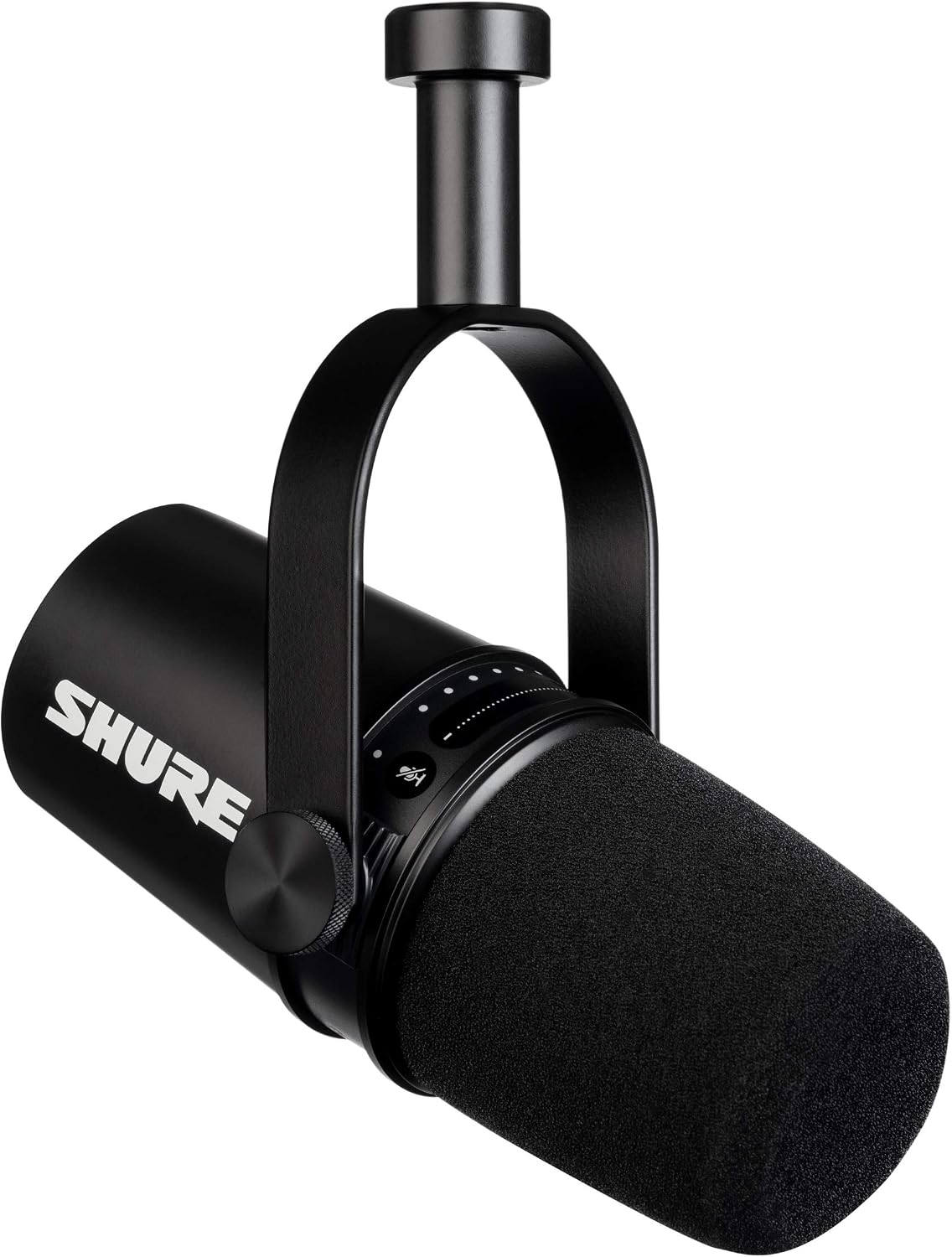
Your current mic sounds fine in a quiet room and terrible the second a fan turns on, a dog barks, or your roommate starts vacuuming two rooms over.
This all-metal dynamic mic uses the same voice-isolating design principle as the legendary SM7B, rejecting background noise instead of just picking up everything in the room, with both USB and XLR outputs so it can grow with a future audio interface. It’s heavier and pricier than a basic condenser kit, which is the tradeoff for genuinely broadcast-quality rejection of room noise. Once it’s set up, background noise stops being a problem you have to think about.
Talk into it once and you’ll understand why podcasters won’t shut up about this mic.
- Why it’s #3: Broadcast-grade noise rejection that headset and basic condenser mics can’t match
- Best for: Anyone streaming from a noisy room or planning to grow into XLR audio gear later
#2 — Logitech StreamCam
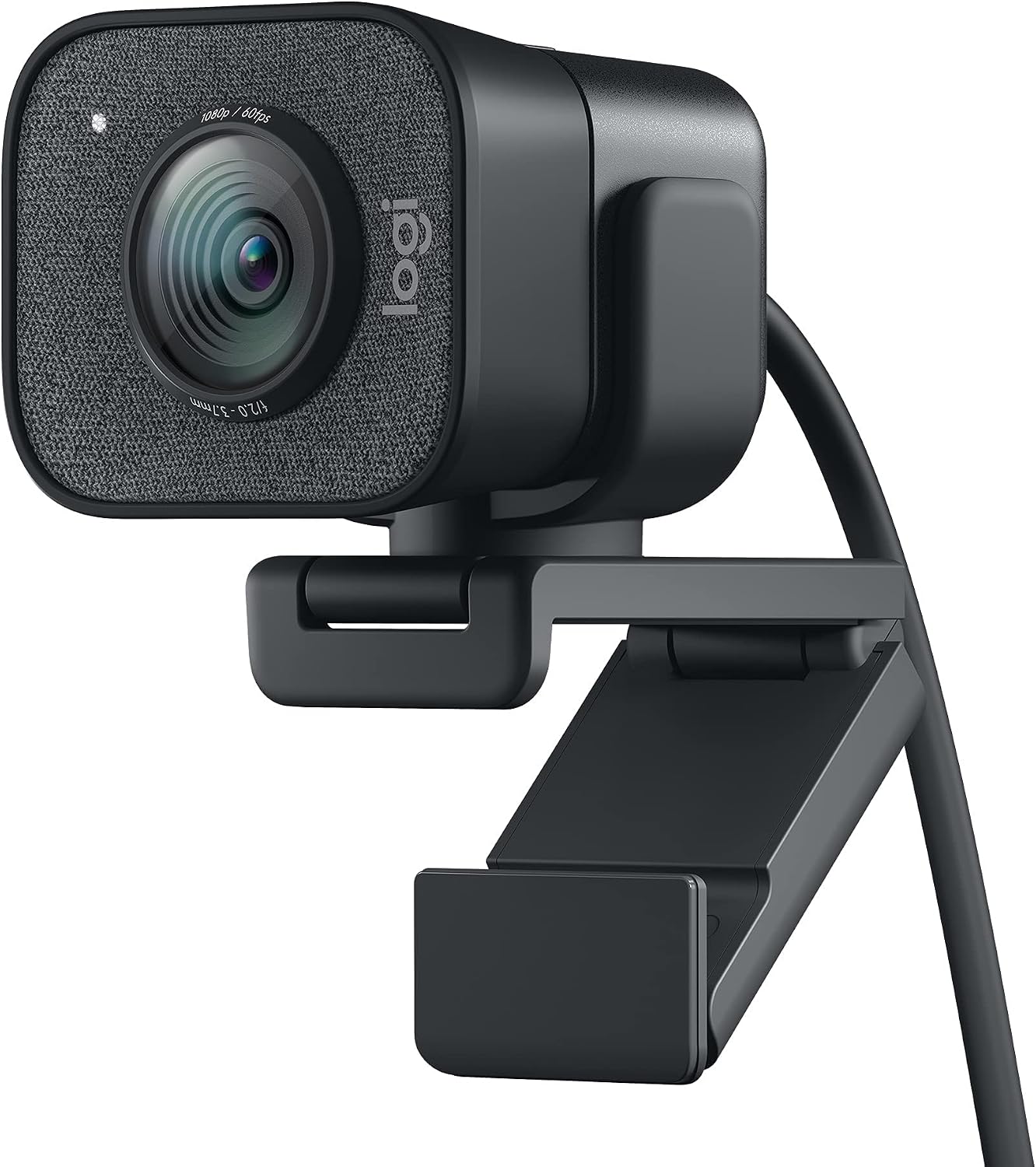
Your clip-on webcam is fine, but it hunts for focus every time you lean back, and the colors look washed out under anything but perfect lighting.
This USB-C webcam shoots smooth 1080p at 60fps with smart autofocus and exposure that actually tracks a moving subject, plus native vertical video support for anyone posting clips to phones. The included mount is more limited than a full tripod setup, so a separate desk mount is worth grabbing if you want more flexibility. Once it’s running, motion stops causing that hunting blur that regular webcams get stuck in.
Once your webcam stops hunting for focus, everything on screen just looks more expensive.
- Why it’s #2: Smooth 60fps and real autofocus tracking that budget webcams can’t do
- Best for: Anyone who moves around on camera and is tired of focus hunting mid-stream
#1 — Elgato Stream Deck MK.2
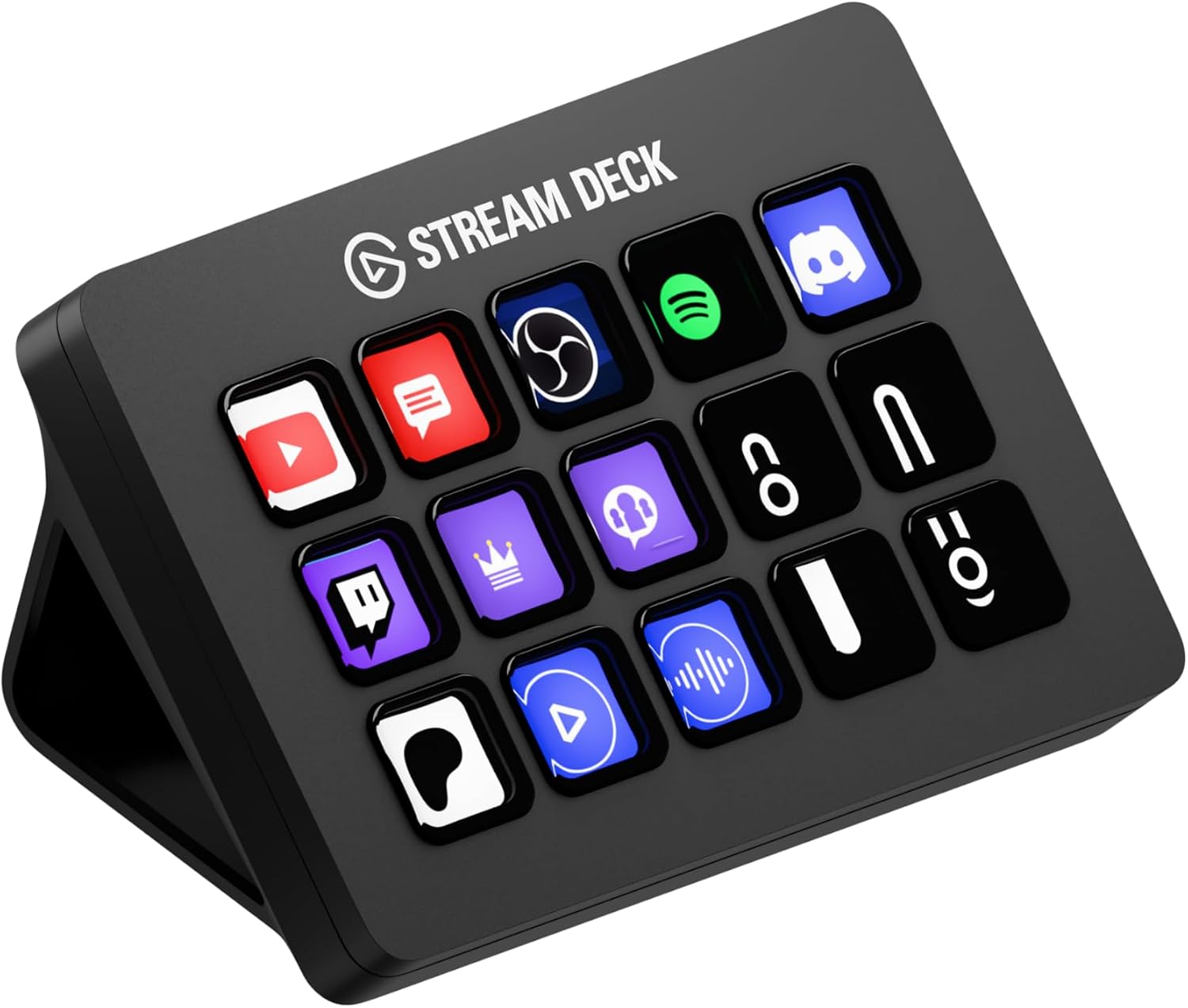
You’re mid-sentence, trying to switch scenes, mute your mic, and drop a sound effect, all while alt-tabbing through four different windows. Something always gets fumbled live, in front of everyone.
This 15-key controller triggers scene changes, mutes, sound effects, and app shortcuts with a single tap, replacing that entire alt-tab scramble with one physical button press. Setting up every key’s icon and action takes a genuine afternoon the first time, but once it’s built, it just works every session after. It’s the single piece of gear that makes a setup look like it’s being run by someone who knows what they’re doing.
Once every action is one button away, streaming finally starts feeling controlled instead of chaotic.
- Why it’s #1: Turns frantic alt-tabbing into a single confident tap, on camera, every time
- Best for: Anyone streaming regularly enough that scene switches and mutes need to be instant
Bottom Line
Start with lighting and a real microphone — those two changes alone do more for how a stream feels than anything else on this list. The Stream Deck is the finishing touch, the thing that turns “getting by” into a setup that actually runs itself.
Leave a Reply